Appointment reminder templates that cut no-shows (SMS, WhatsApp & email)
Copy-and-paste appointment reminder templates — confirmation, 24-hour, 2-hour, deposit, follow-up and win-back — for SMS, WhatsApp and email.
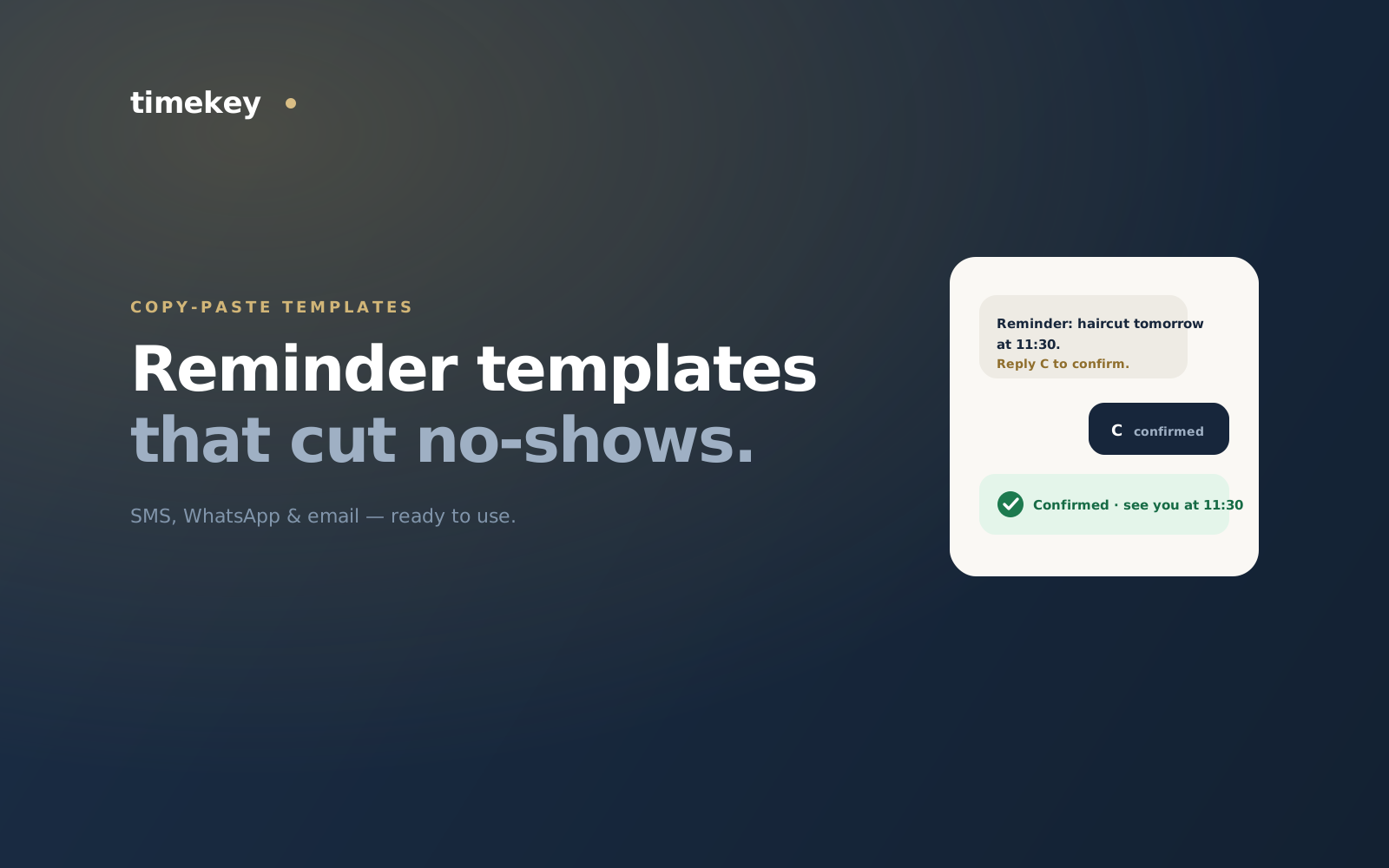
A good reminder does two jobs: it stops the no-show, and it makes the client feel looked after. Below are copy-and-paste appointment reminder templates for SMS, WhatsApp and email — a full sequence from booking to follow-up. Swap the {braces} for your details, keep them short, and always give a one-tap way to confirm or reschedule.
Confirmation — right after booking
SMS / WhatsApp
“Hi {name}, you’re booked for {service} with {staff} on {date} at {time} at {business}. Reply C to confirm or R to reschedule. See you then! 💈”
Reminder — 24 hours before
SMS / WhatsApp
“Reminder: {service} with {staff} tomorrow at {time}, {business}. Reply C to confirm, R to reschedule, or X to cancel. {address}”
Email subject
“Your {business} appointment is tomorrow at {time}”
Nudge — 2 hours before
SMS / WhatsApp
“See you soon, {name} — {service} at {time} today. We’re at {address}. Running late? Reply and let us know. 🙏”
No-deposit or high-value appointments
For long or expensive slots, tie the reminder to a deposit so the appointment sticks:
SMS / WhatsApp
“Hi {name}, to hold your {service} on {date} at {time}, a {deposit} deposit is due — it comes off your final bill. Pay here: {link}. Refundable up to {hours}h before.”
Follow-up — after the visit
SMS / WhatsApp
“Thanks for coming in, {name}! Hope you love it. Book your next {service} here: {link}. And if you have 20 seconds, a review means the world: {review_link} ⭐”
Win-back — for lapsed clients
SMS / WhatsApp
“We miss you, {name}! It’s been a while since your last {service}. Here’s {offer} to come back — book in a tap: {link}.”